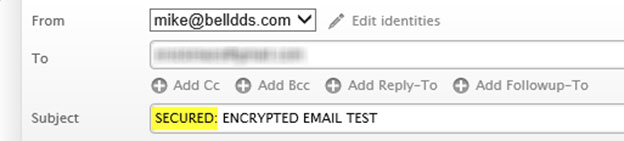
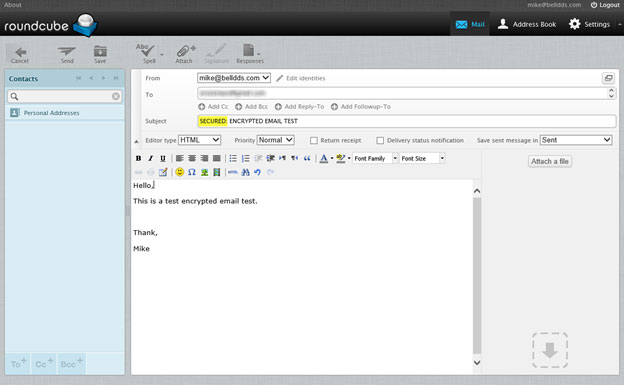
To send a secure email to a patient, simply add the word SECURED: to the subject of the email.
Doing so will encrypt the email during the send process (in transit) and while it is stored in the email database.
Important note: The format of the word "SECURED:" is critical to the encryption process. The word must be CAPITALIZED and end with a colon to successfully secure the email. If is not formatted correctly, the email will not be secure.